Water Softener Hardness Setting: What Number to Use
Set it to match your real water hardness. The correct water softener hardness setting is the grains per gallon, or GPG, of your actual water. If you do not know that number yet, test your water first. Most people add a few points on top, to cover iron and an older resin bed.
This guide shows how to find your real number, how to convert it if it came back in the wrong units, and how to enter it the right way.
Why This Number Matters
A water softener does not guess how hard your water is. It relies on the number you enter. That number tells the system how many gallons it can treat before the resin runs out of capacity and needs to regenerate.
Get the number right, and the softener regenerates only when it truly needs to, using just enough salt and water each time. Get it wrong, and you either waste resources on regeneration cycles you did not need, or you run out of soft water before the next cycle even starts.
The Short Answer
The water softener hardness setting should equal the grains per gallon of hardness in your raw water. Most control panels ask for this number directly.
A small buffer helps. Many installers add three to five extra points to the water softener hardness setting, to cover dissolved iron and slower resin performance over time. A new softener on clean water usually needs no buffer at all.
How to Find Your Real Water Hardness
- Soap test: shake dish soap into a bottle of water. Lots of bubbles means soft water. A cloudy layer means hard water. This is only a rough guess.
- Test strips or a digital meter: cheap, easy to find, and give a reading in minutes.
- A lab test or water utility report: the most accurate option. Well water owners should test directly, since levels shift with the seasons.
Converting PPM to Grains Per Gallon
Hardness sometimes shows up in parts per million, also called mg/L, instead of GPG. Divide the ppm number by 17.1 to get grains per gallon.
Example: 200 mg/L divided by 17.1 equals about 11.7 GPG. That becomes the base number for the water softener hardness setting, before adding a buffer for iron.
How to Set the Hardness Dial, Step by Step
- Test or look up your raw water hardness using one of the methods above.
- Convert to grains per gallon if the number came back in ppm or mg/L.
- Check for iron. Most makers suggest adding three to five extra grains per gallon for every one ppm of iron.
- Add a small buffer for resin age if the softener has run for several years.
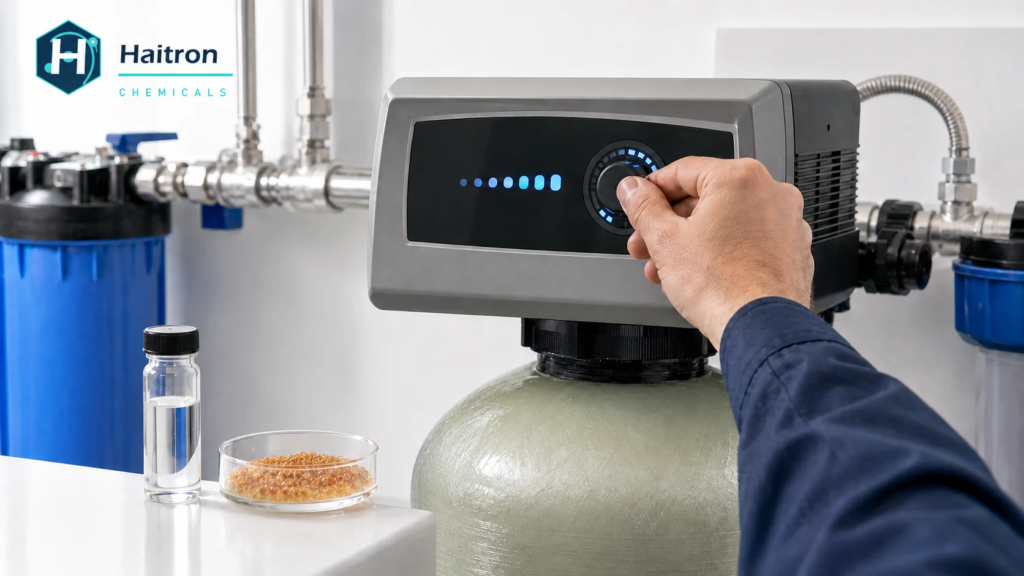
- Enter the final number into the control panel, following the owner’s manual.
- Test the softened water after a full cycle to confirm it worked, then adjust if needed.
A Quick Note on the Resin Itself
The hardness setting only tells the softener what to expect. The actual softening work happens inside the tank, where water passes through beads of ion exchange resin, most commonly a strong acid cation type built to trade calcium and magnesium for sodium. Over years of regeneration cycles, this resin slowly loses capacity, which is part of why older systems often need a slightly higher setting than the raw water number alone would suggest.
Should You Set It Higher Than Your Real Hardness?
Sometimes, yes, but only by a small amount. A buffer for iron and resin age is normal. Setting the water softener hardness setting far above the real number just causes extra regeneration, which wastes salt and water.
Setting it too low causes the opposite problem. The resin runs out of capacity early, and hard water slips through near the end of each cycle. Neither mistake breaks the unit. Both just waste money or leave the water less soft than expected.
Water Hardness Classification Chart
This chart shows what each hardness number actually means.
| Hardness Level | Grains Per Gallon (GPG) | Parts Per Million (PPM) |
| Soft | Less than 1 | Less than 17 |
| Moderately hard | 1 to 3.5 | 17 to 60 |
| Hard | 3.5 to 7 | 60 to 120 |
| Very hard | Above 7 | Above 120 |
Most homes with a softener fall in the hard to very hard range. Areas with a lot of limestone in the ground sometimes see readings above 20 GPG, which calls for a properly sized system.
Signs the Setting Is Wrong
Too high: frequent regeneration and faster than normal salt use, since the system thinks the water is harder than it really is.
Too low: water feels hard again before the next cycle, soap will not lather well, or spots return on fixtures and glassware.
If either sign shows up, retest the water. Hardness can change over time, especially on well water, so an old number may no longer be right.
Common Questions
What happens if the water softener hardness setting is wrong?
Nothing breaks. Too high wastes salt and water. Too low lets some hardness through. Retesting and fixing the water softener hardness setting solves either issue.
Do I need to add extra iron?
Yes, if a test shows dissolved iron. Add a few extra grains per gallon for every one ppm of iron, since it uses up resin capacity just like hardness does.
How often should I retest my water?
Once a year works for most homes, sooner for well water or if something feels off.
Can I just guess the setting?
It is not a good idea. A guess can waste salt or leave the water not fully soft. A basic test strip takes a few minutes and gives a real number.
Does a higher number mean softer water?
No. The number tells the system how hard the incoming water is, not how soft the output should be. A working softener removes nearly all hardness once the number is accurate.